Cently can start the conversation now
July 30, 2026
You already ask Cently questions. That still works the same way.
Now Cently can start the conversation too. When something in your accounts stands out, the financial assistant opens a chat and checks in.
What the assistant does
This isn't another threshold alert like "you hit 80% of groceries." Those still exist, and they're good at one job.
The financial assistant is different. It works in the background for you. When something changes in your accounts (a new transaction, a receipt, and so on), it takes another look. Some of those runs go wider: a step back on debt, cash, or subscriptions, not only the charge that just landed. If something stands out, it opens a short conversation and sends a push that takes you straight to that thread on web, iOS, or Android. Those chats get a small marker in your conversation list so you can spot them.
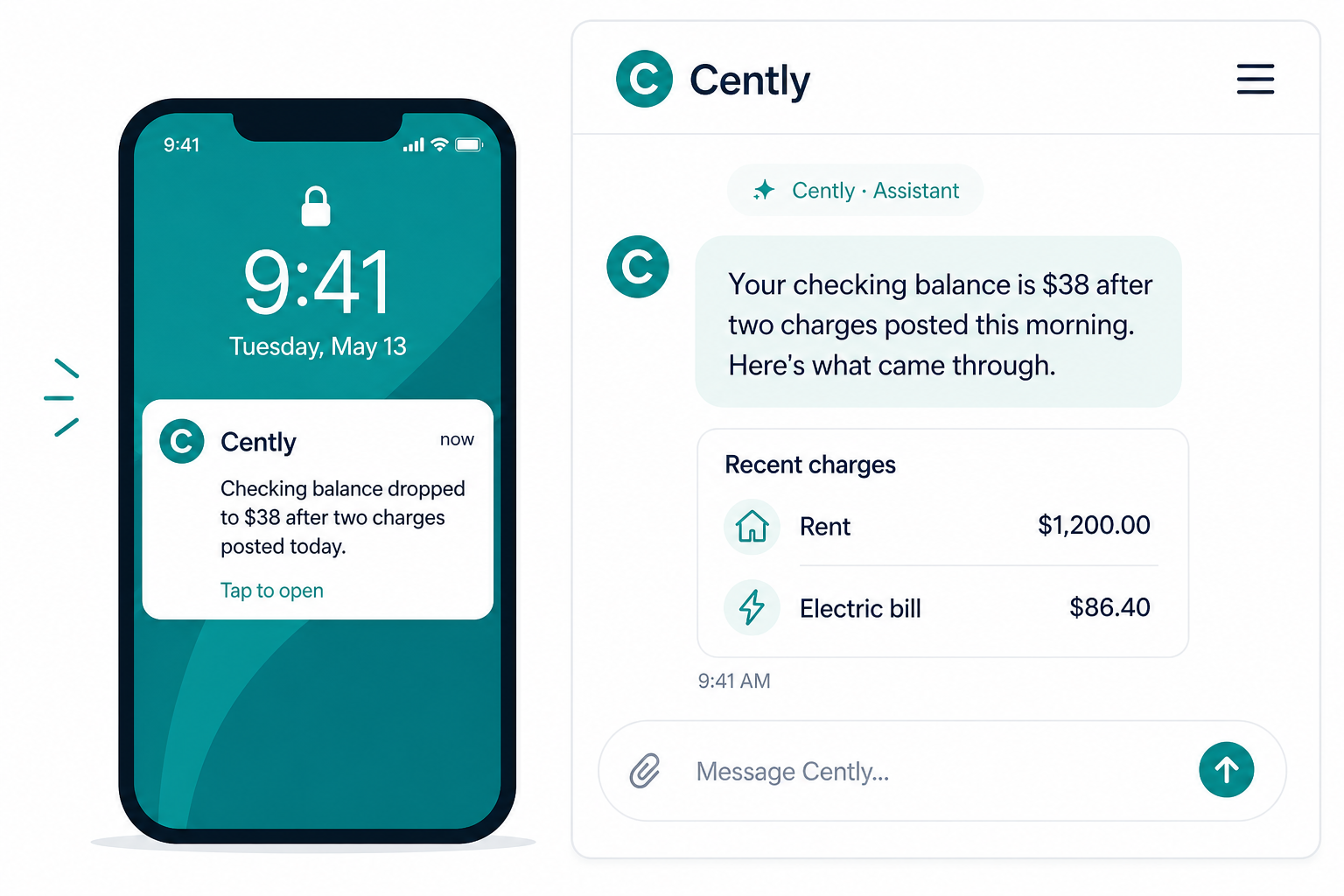
Example situations
- Dining (or another category) jumped this week compared with your recent pattern
- A subscription renewed at a higher price than last month
- You're pacing ahead of a budget mid-month, with more context than a simple threshold alert
- Checking looks tight against how you usually spend, or a larger balance is sitting idle
- Credit cards are running high utilization, or several sit near their limits at once
- The same charge appears twice
- A charge looks fraudulent: unfamiliar merchant, odd amount, or far outside your usual pattern
- A receipt you forwarded or scanned fills in line items that change what the purchase actually was
You get the observation and enough detail to decide what to do next. A lot of the time, Cently looks at new activity and decides not to message you at all.
You're in control
Open Settings → Alerts and look for Financial assistant.
Turn it on if you want Cently to reach out when something stands out. Turn it off if you'd rather only get the budget alerts you already chose. Either way, you can still start every conversation yourself.
Try the loop
Connect your accounts (or keep them connected), leave the financial assistant on, and go about your week. When Cently notices something, tap the notification. You should land in the exact thread, not a generic home screen.
If a check-in feels useful, or too chatty, tell us. That feedback is how we tune what "worth telling you about" actually means.