A budget heads-up while you shop
November 23, 2026
Most money alerts show up after you've already spent. The charge clears, the notification fires, and you learn something useful about a decision you already made.
We wanted the other moment: you're in the aisle or staring at a menu, and a short note still has a chance to matter.
What in-store check-ins do
When you turn them on in the Cently app, your phone notices that you've stopped somewhere. If that stop looks like a store, restaurant, or another place that takes your money, Cently names the place, checks your budgets and history, and opens a short chat. A push takes you into it.
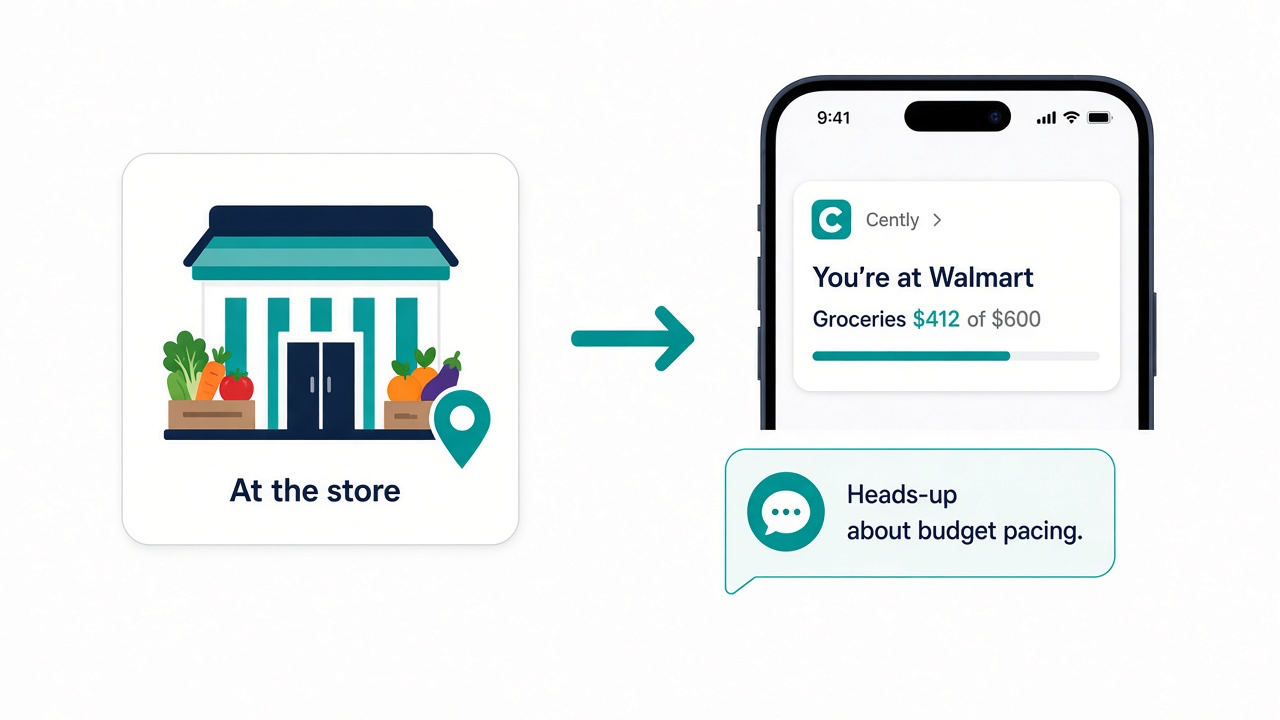
The note leads with where you are and the facts that help right then. How groceries are pacing this month. What your last few trips here usually cost. Whether dining out is nearly spent. Soft nudges are fine here ("a shorter list than usual keeps you clear of the line"). Telling you what to buy is not.
This is separate from the financial assistant that reviews your accounts after new activity. Same voice and chat. Different trigger: a place visit, not a transaction.
What we don't do with location
In-store check-ins are off by default. You opt in, and you can turn them off anytime in Settings.
We don't keep a trail of where you've been. Your phone detects the stop. We send Google Maps one anonymous location so it can name the business, then we throw that location away. Google doesn't get your name, email, or account data. Home and work stay on your device. We don't sell location or use it for ads.
Chats that came from a visit show a muted "Google Maps" line. That's the credit Google asks for, and it's also an honest signal that location was involved.
One heads-up per place each day. Driving past doesn't count. A few minutes inside does. Medical and other sensitive places are skipped on purpose.
How to turn it on
Open the Cently app on iPhone or Android. Go to Settings → Alerts, turn on Financial assistant if it isn't already, then turn on In-store heads-ups.
The app will ask for location. On iOS you'll see a second prompt for Always; Apple requires that, and we put a short screen in between so it isn't a surprise. On Android you finish with "Allow all the time" in system settings. Always is required because the useful moment is when the app isn't open.
Web can't do background location, so the walkthrough there explains the feature and points you to the apps.
If a store keeps pinging you and you'd rather it didn't, tell Cently in the chat. It remembers.
Why we built this
Budgets help more when they show up before the cart is full. Monthly summaries are fine for looking back. Comparing cereal prices is a different kind of moment, and nobody opens a finance app for that.
So Cently comes to you, once, with numbers you already have, at the place you're standing in. Tap the push if it's useful. Dismiss it if it isn't. Either way, the visit itself isn't saved.